 Sudhir Singh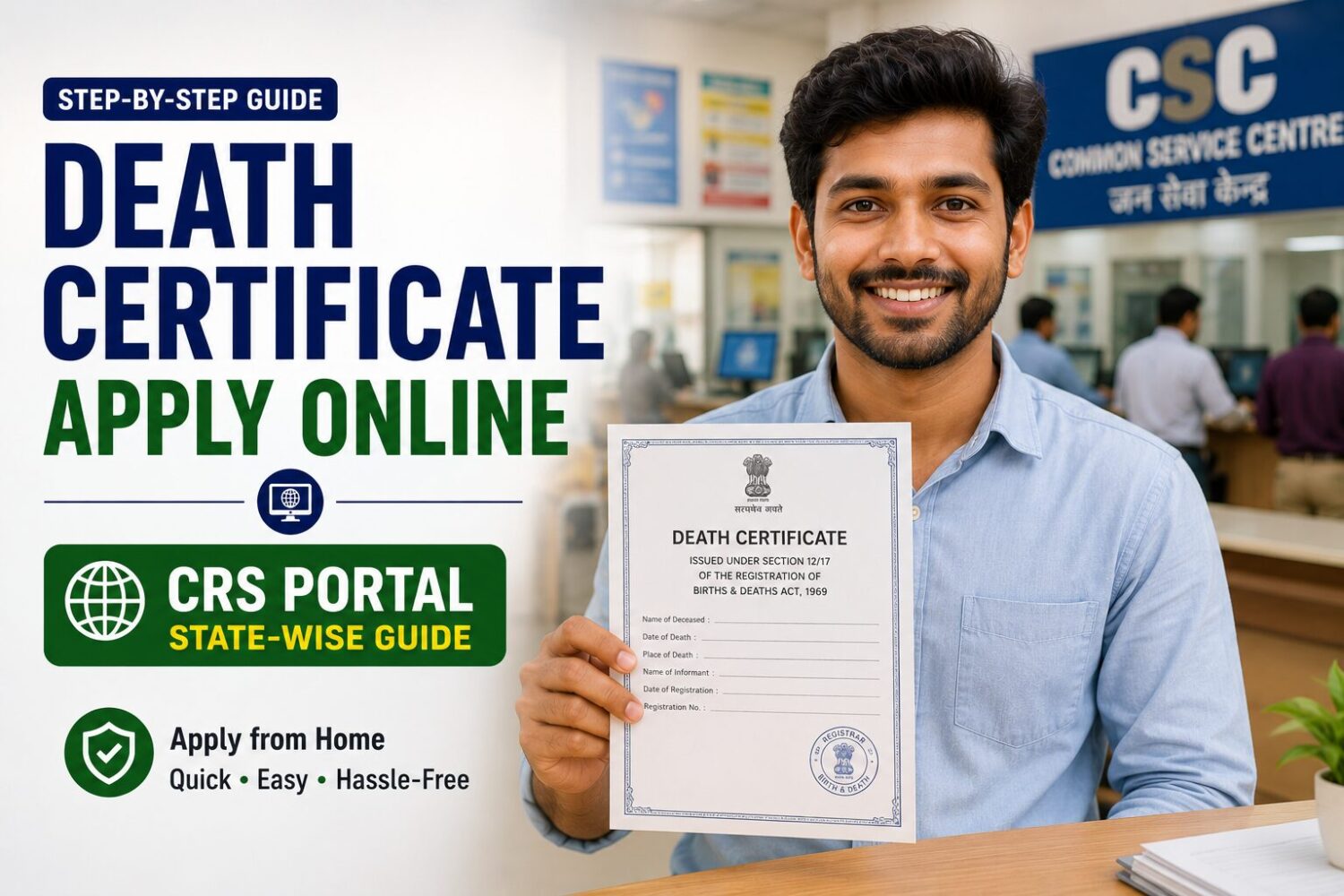
Updated on June 19, 2026
A death certificate is needed for far more than just closing a chapter. Banks need it to release funds from accounts and lockers, insurance companies need it to process claims, property transfer and inheritance proceedings need it, and pension or provident fund transfer to dependents needs it. Without this single document, families can find themselves stuck for months trying to settle straightforward financial matters.
India’s Civil Registration System (CRS) handles death registration uniformly across the country, with each state running its own portal connected to the central system.
Who Must Report a Death and Within What Time?
Under the Registration of Births and Deaths Act, 1969, every death must be reported to the local registrar within 21 days of its occurrence. The responsibility to report falls on:
- The head of the household, if the death occurred at home.
- The medical officer in charge, if the death occurred in a hospital or healthcare institution.
- The jail in-charge, if the death occurred in prison.
- The local body or police, if the death occurred in a public place with no known family present.
How to Apply for a Death Certificate Online
- Go to the Civil Registration System portal at crsorgi.gov.in or your state’s specific death registration portal.
- Click “General Public Signup” if you are registering as a citizen, and create an account with your mobile number and email.
- After logging in, select “Death Report” or “Apply for Death Registration”.
- Fill in the deceased person’s details: full name, date and place of death, age, gender, and cause of death (as per the medical certificate, if available).
- Enter the informant’s details (the person reporting the death) and their relationship to the deceased.
- Upload the Medical Certificate of Cause of Death (MCCD) if the death occurred in a hospital, or other supporting documents if it occurred at home.
- Submit the application. A reference number is generated.
- The local Registrar (usually at the Municipal Corporation, Nagar Palika, or Gram Panchayat office) verifies the details and approves the registration.
- Once approved, the death certificate becomes available for download from the portal, or you can collect a physical copy from the registrar’s office.
Documents Required
- Identity proof of the deceased (Aadhaar card preferred).
- Identity proof of the informant (person applying).
- Hospital discharge summary or Medical Certificate of Cause of Death, if death occurred in a hospital.
- Cremation or burial ground receipt, if available.
- Address proof of the deceased’s last residence.
Registering a Death at the Municipal Office (Offline)
If you prefer not to apply online, visit the Registrar of Births and Deaths in your area:
- In cities: the Municipal Corporation or Municipal Council office.
- In towns: the Nagar Palika or Nagar Panchayat office.
- In villages: the Gram Panchayat office, where the Panchayat Secretary often acts as the local registrar.
Fill in the prescribed form, attach the required documents, and submit. Most offices issue the certificate within 7 to 15 working days of registration if filed within the 21-day window.
What If the Death Was Not Reported Within 21 Days?
Late registration follows a tiered process:
| Delay Period | Process |
|---|---|
| Beyond 21 days but within 30 days | Registered with a late fee, no special permission required. |
| Beyond 30 days but within 1 year | Requires written permission from the Sub-Divisional/District Registrar along with an affidavit explaining the delay. |
| Beyond 1 year | Requires an order from a Judicial Magistrate First Class (JMFC) or Metropolitan Magistrate, along with the affidavit and supporting evidence such as witness statements. |
Delayed registration is more time-consuming and may take several weeks to months depending on the magistrate’s processing time, so reporting within the standard 21-day window is always preferable.
How to Download a Death Certificate Online (If Already Registered)
- Visit your state’s CRS or e-District portal.
- Click “Download Death Certificate” or “Search Certificate”.
- Enter the registration number, or search using the deceased person’s name, date of death, and registration district.
- Download the certificate as a PDF. Most states allow free download of an unlimited number of copies once registered.
Using the Death Certificate for Various Purposes
- Bank accounts: Submit the certificate along with a claim form and nominee/successor documents to release funds or transfer the account.
- Insurance claims: Required along with the policy document and claim form.
- Property transfer: Needed for mutation of property records in the name of legal heirs.
- Pension transfer: Required to transfer family pension to the dependent spouse or children.
- Closing utility connections: Electricity, gas, and other services in the deceased’s name need this for transfer or closure.
Frequently Asked Questions
Can I apply for a death certificate from a different city than where the death occurred?
No. The death must be registered at the Registrar’s office in the jurisdiction where the death occurred, not where the family resides. If the family lives elsewhere, they need to coordinate with someone at the place of death or apply through the online portal, which allows submission from anywhere once you have the necessary details.
What if the cause of death is unknown or unnatural?
For unnatural deaths (accident, suicide, or suspected foul play), a post-mortem examination is conducted and a police report (FIR or inquest report) is generated. The death certificate is issued only after this process is complete, and the cause of death section reflects the post-mortem findings rather than a standard medical certificate.
Is there a fee for getting a death certificate?
Registration of death within the 21-day window and the first certified copy are usually free or carry a nominal fee (Rs. 0 to Rs. 50 depending on the state). Additional certified copies and delayed registration processing may carry separate, slightly higher fees set by the state government.
📩 If you notice any incorrect data in this guide or wish to share additional information, please write to us at info@indiansouls.in.
Over 2000+ Government Schemes & Policies Simplified
Indian Souls is your guide to government Schemes, scholarships, pensions, subsidies, job exams, and more. We break complex schemes into easy steps, helping every citizen take full advantage of the opportunities available.
No jargon. No confusion. Just useful info that helps indian citizen.

 Sudhir Singh