
 Sudhir Singh
Updated on June 19, 2026
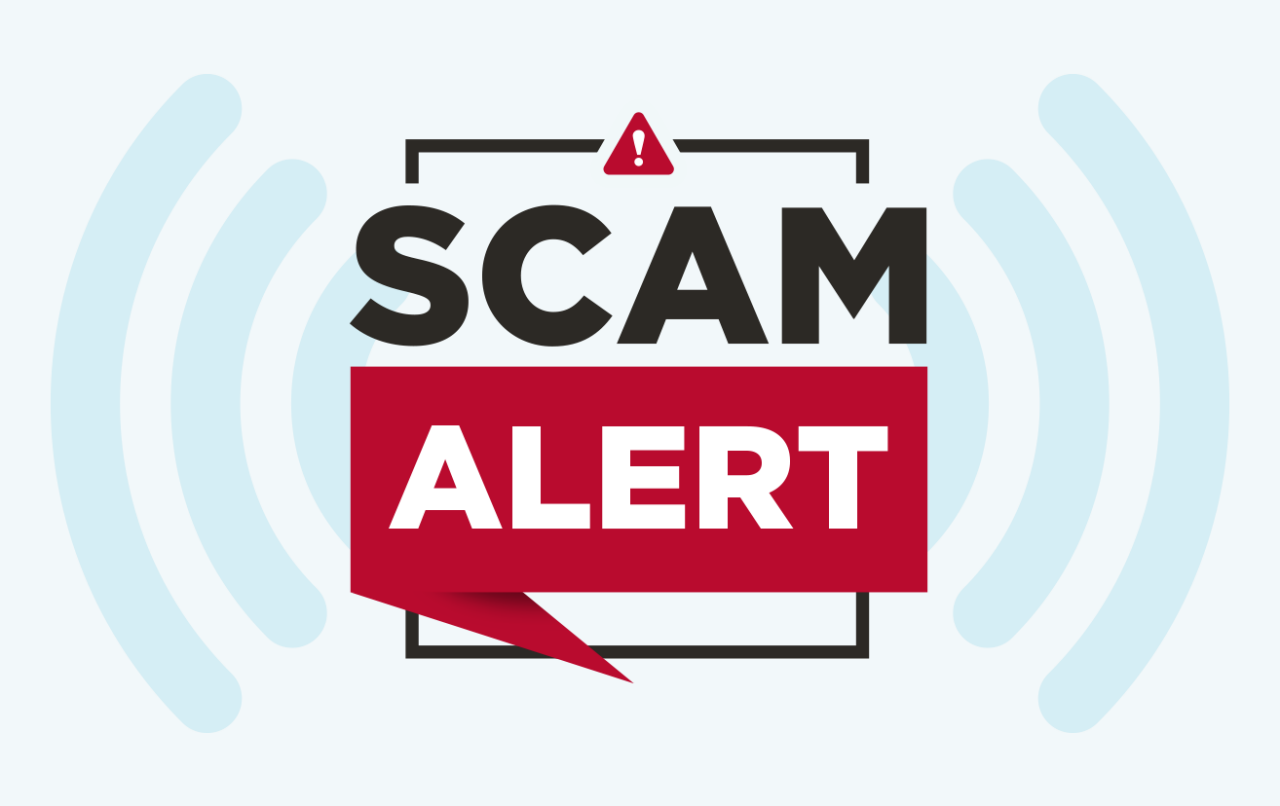
The first hour after you realise you have been defrauded online is the most important. The faster you report, the better the chance the National Cyber Crime Reporting Portal can freeze the fraudulent transaction before the money moves further through the banking system. This guide walks you through exactly what to do, in the right order.
Step 1: Call 1930 Immediately (For Financial Fraud)
If you have lost money through UPI fraud, a fake loan app, OTP scam, or any financial cyber fraud, do not wait to file the online complaint first. Call the National Cyber Crime Helpline at 1930 right away. This number is connected to a system that can request banks to freeze the fraudulent transaction within the “golden hour”, the short window before scammers withdraw or transfer the stolen money further.
Keep ready: your bank account number, the fraudulent transaction ID or UTR number, the date and time of the transaction, and the amount lost.
Step 2: File a Detailed Complaint at cybercrime.gov.in
- Visit cybercrime.gov.in.
- Click “File a Complaint”.
- Accept the terms and conditions.
- Choose the category: “Report Cyber Crime related to Women/Children” or “Report Other Cyber Crime” (financial fraud, hacking, identity theft, etc.).
- For financial fraud specifically, select “Financial Fraud” sub-category, which links directly to the same system the 1930 helpline uses.
- Register with your mobile number, verified by OTP.
- Fill in the complaint form: your details, the incident description, date and time, amount involved, and the fraudster’s details if known (phone number, UPI ID, bank account, website link, etc.).
- Upload supporting evidence: screenshots of the transaction, chat conversations, the fraudulent SMS or email, and your bank statement showing the debit.
- Submit the complaint. You receive an Acknowledgement Number. Save this carefully, as you will need it for all future follow-up.
What Counts as Cyber Crime You Can Report
- UPI fraud, fake payment links, and QR code scams.
- OTP fraud and unauthorised bank transactions.
- Fake loan apps charging illegal interest and harassing borrowers.
- Online job fraud and fake investment schemes.
- Social media account hacking and impersonation.
- Online harassment, stalking, and cyberbullying.
- Morphed images, revenge porn, and obscene content circulation, especially involving women and children (this category gets priority handling).
- Ransomware attacks and data theft from personal devices.
- Fake e-commerce websites and online shopping fraud.
What Happens After You File a Complaint
- For financial fraud, the system automatically alerts the relevant bank or payment service provider to attempt freezing the funds if the report is filed quickly.
- Your complaint is forwarded to the cyber cell of the relevant state police based on your location or the incident location.
- A First Information Report (FIR) may be registered by the local police if the complaint meets the threshold for a cognisable offence.
- You can track the status of your complaint on the portal using your Acknowledgement Number under “Track Your Complaint Status”.
How to Track Your Complaint Status
- Go to cybercrime.gov.in.
- Click “Track Status” or log in to your account.
- Enter your Acknowledgement Number and registered mobile number.
- The system shows the current status of your complaint and any action taken.
Tips to Strengthen Your Complaint
- Take clear screenshots of every conversation, transaction, and notification related to the fraud before deleting anything.
- Note down exact timestamps of the fraudulent transaction.
- Do not engage further with the fraudster after realising you have been scammed; this can sometimes lead to further loss.
- Inform your bank separately as well to formally raise a dispute on the transaction, in addition to the cyber crime complaint.
- If the fraud involved a specific app, also report and uninstall it, and report it to the app store (Google Play or Apple App Store) for removal review.
Frequently Asked Questions
Is there a fee for filing a cyber crime complaint?
No. Filing a complaint on cybercrime.gov.in is completely free of charge. Be cautious of anyone, including someone claiming to be from a “cyber cell”, asking for payment to process or expedite your complaint; this itself is often a secondary scam.
How long does it take to get my money back after reporting financial fraud?
There is no guaranteed timeline, and recovery is not certain in every case. Speed of reporting significantly improves the chance of freezing funds before they are withdrawn by the fraudster. Even when funds are frozen, the actual return of money to your account often goes through a legal process involving the bank and may take weeks to months depending on the case complexity.
Can I file a complaint anonymously?
For most categories, you need to register with your mobile number to file a complaint, as anonymous complaints are difficult to act upon. However, the portal does have provisions for reporting certain sensitive categories like child sexual abuse material with a higher degree of confidentiality protection for the reporter’s identity.
📩 If you notice any incorrect data in this guide or wish to share additional information, please write to us at info@indiansouls.in.
Over 2000+ Government Schemes & Policies Simplified
Indian Souls is your guide to government Schemes, scholarships, pensions, subsidies, job exams, and more. We break complex schemes into easy steps, helping every citizen take full advantage of the opportunities available.
No jargon. No confusion. Just useful info that helps indian citizen.







 Sudhir Singh

































%202026%20Guide%20:%20The%20“No-Nonsense”%20Guide)
)


)
)
%20को%20ड्रोन%20खरीदने%20के%20लिए%20आर्थिक%20मदद)


)